
Why WordPress Query Performance Matters
WordPress sites slow down for many reasons, but database queries are often a major bottleneck. Every page load can trigger dozens or even hundreds of queries for posts, metadata, options, users, and taxonomy terms. When those queries are inefficient, your server works harder, pages take longer to render, and traffic spikes can quickly expose performance problems.
Improving WordPress query performance is especially important for content-heavy sites, WooCommerce stores, membership platforms, and any site with custom queries or large datasets. Two of the most effective ways to reduce query overhead are object caching and better database indexes. Used together, they can dramatically lower database load and improve response times.
What slows WordPress queries down
Common causes include repeated queries for the same data, large tables without the right indexes, poorly written WP_Query arguments, excessive autoloaded options, and plugins that request too much data too often. Even if your hosting is fast, inefficient queries can still create a noticeable lag.
Use Object Caching to Reduce Repeated Database Work
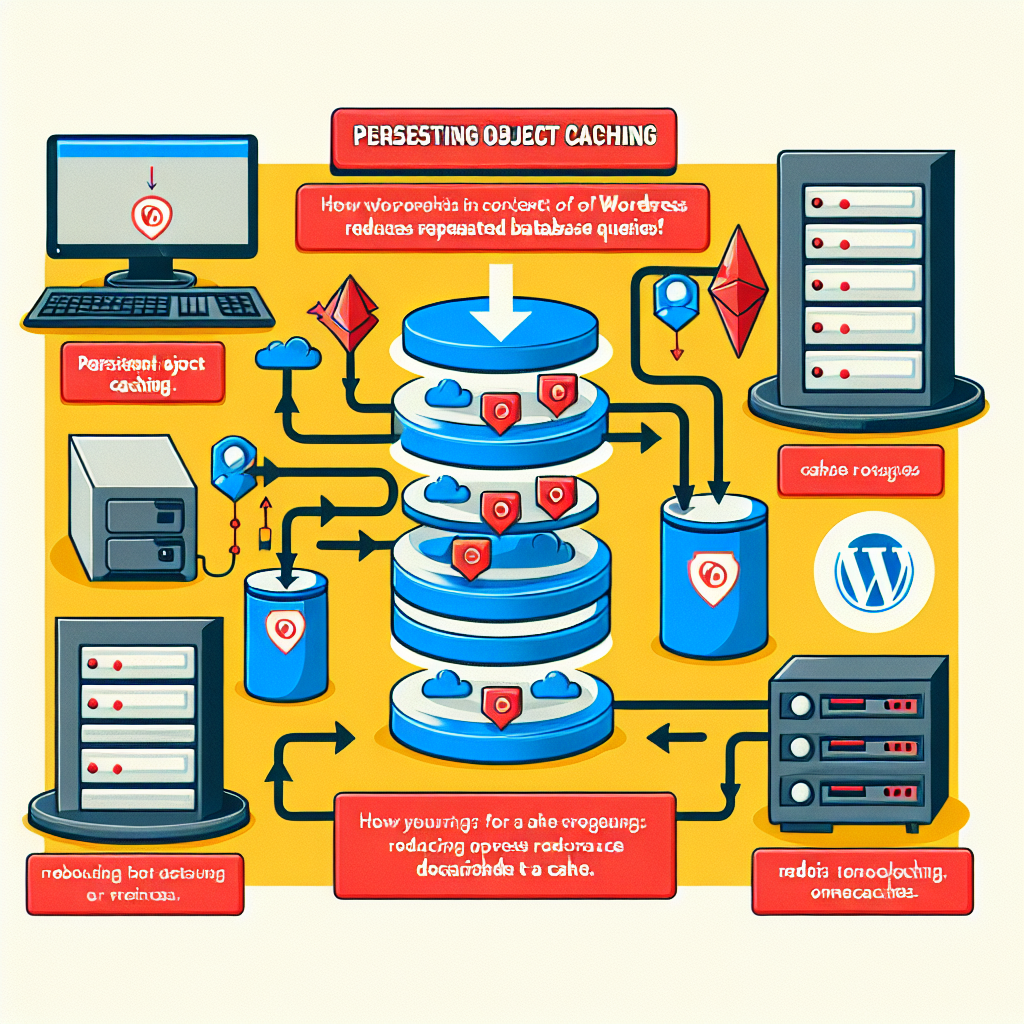
Object caching stores the results of database queries in memory so WordPress can reuse them without asking MySQL every time. Instead of rebuilding the same data on each request, WordPress can fetch it from a fast cache layer such as Redis or Memcached.
By default, WordPress has a built-in runtime object cache, but it only lasts for the duration of a single request. A persistent object cache extends that benefit across requests, which is where the real performance gains happen.
How persistent object caching helps
- Reduces repeated database queries for posts, terms, metadata, and options
- Lowers MySQL CPU usage during traffic spikes
- Improves page generation time for logged-in users and dynamic pages
- Helps high-traffic sites stay stable under load
When object caching makes the biggest difference
Persistent object caching is most valuable when your site has repeated reads of the same data. That includes homepage queries, archive pages, product listings, admin dashboards, and sites with many plugin-driven lookups. It is also useful when you have a lot of logged-in traffic, because full-page caching is often less effective for authenticated sessions.
How to implement object caching in WordPress
Start by checking whether your hosting provider supports Redis or Memcached. Many managed WordPress hosts offer one-click activation or built-in support. If not, you can often install a compatible plugin and connect it to your cache service.
- Choose Redis or Memcached based on your hosting environment
- Enable a persistent object cache plugin
- Verify that the cache is actually being used
- Monitor cache hit rate and database query reduction
After enabling object caching, test your site carefully. Some plugins or custom code may behave differently when cached data persists between requests. Clear the cache after major content or configuration changes.
Best practices for caching safely
Do not assume caching fixes every query problem. It is a performance layer, not a replacement for efficient code. Make sure your cache is invalidated properly when content changes, and avoid caching data that should always be fresh. For dynamic features such as carts, account areas, and personalized dashboards, use caching selectively.
Improve Database Performance with Better Indexes

Indexes help MySQL find rows faster. Without the right indexes, the database may scan large tables row by row, which becomes expensive as your site grows. Better indexes can make a dramatic difference for queries on posts, postmeta, options, and custom tables.
In WordPress, many slow queries involve columns such as post_id, meta_key, post_type, post_status, term_id, and user_id. If those columns are frequently used in WHERE clauses or JOIN conditions, indexing them can improve performance.
Which WordPress tables benefit most
- wp_posts for queries filtered by post type, status, date, or author
- wp_postmeta for metadata lookups, which are often a major bottleneck
- wp_options for sites with heavy option lookups or large autoloaded data
- custom plugin tables for specialized search, reporting, or filtering
Common index improvements
One of the most common issues in WordPress is slow meta queries. The wp_postmeta table can grow very large, and default indexes may not be enough for complex filtering. Adding a composite index that matches your actual query pattern can reduce scan time significantly. For example, a query filtering by meta_key and meta_value may benefit from a better index structure, depending on the data type and query shape.
Similarly, if your site frequently queries posts by type and status, an index that supports those conditions can help MySQL narrow results faster. The key is to index based on real query patterns, not guesswork.
How to identify index opportunities
Use tools like Query Monitor, MySQL slow query logs, or your hosting dashboard to find the queries that take the longest. Look for repeated full table scans, large JOIN operations, and queries that return only a small subset of rows but still touch a lot of data.
- Review the slow query log for recurring patterns
- Check which queries are triggered on high-traffic pages
- Use EXPLAIN to see whether indexes are being used
- Focus on the queries that run most often, not just the slowest single query
Be careful with too many indexes
Indexes speed up reads, but they also add storage overhead and can slow down writes. That matters for sites with frequent updates, imports, or user-generated content. Add indexes only where there is a clear benefit, and test the impact before and after.
Combine Object Caching and Indexing for the Best Results
Object caching and indexes solve different problems. Caching reduces how often WordPress needs to query the database. Indexes make the remaining queries faster. When used together, they create a much more efficient system.
Think of it this way: object caching prevents repeat work, while indexes make unavoidable work cheaper. A well-indexed query that is also cached can dramatically reduce load on your server and improve consistency under traffic.
A practical optimization workflow
- Measure your current query performance
- Enable persistent object caching
- Identify the slowest and most frequent queries
- Add or refine indexes for those specific query patterns
- Retest and compare database load, response time, and cache hit rate
For many sites, this workflow produces better results than blindly installing a performance plugin and hoping for the best. The goal is to remove wasted work from both the application layer and the database layer.
Extra WordPress Query Optimization Tips
Once caching and indexing are in place, you can improve performance further by tightening the queries themselves. Use only the fields you need, avoid unnecessary meta queries, and be careful with large WP_Query result sets. If you do not need pagination counts, set parameters that reduce extra overhead.
Also review plugin behavior. Some plugins run expensive queries on every page load, even when the data is not visible to visitors. Disabling unnecessary features, replacing inefficient plugins, or moving heavy reporting to scheduled jobs can make a noticeable difference.
High-impact habits to keep in mind
- Limit queries to the exact data you need
- Avoid excessive use of post meta for high-volume filtering
- Keep autoloaded options under control
- Use caching for repetitive lookups and stable data
- Monitor performance after plugin updates
Conclusion
Optimizing WordPress query performance is not about one magic fix. The best results come from combining persistent object caching with better database indexes, then validating the impact with real measurements. Caching reduces repeated database work, indexing speeds up the queries that remain, and together they help your site scale more gracefully.
If your WordPress site feels slow under load, start by enabling object caching, then inspect your slowest queries and add indexes where they match actual usage. That approach gives you a practical path to faster pages, lower server strain, and a better experience for visitors.